
 QuickBudget
Add income and expenses
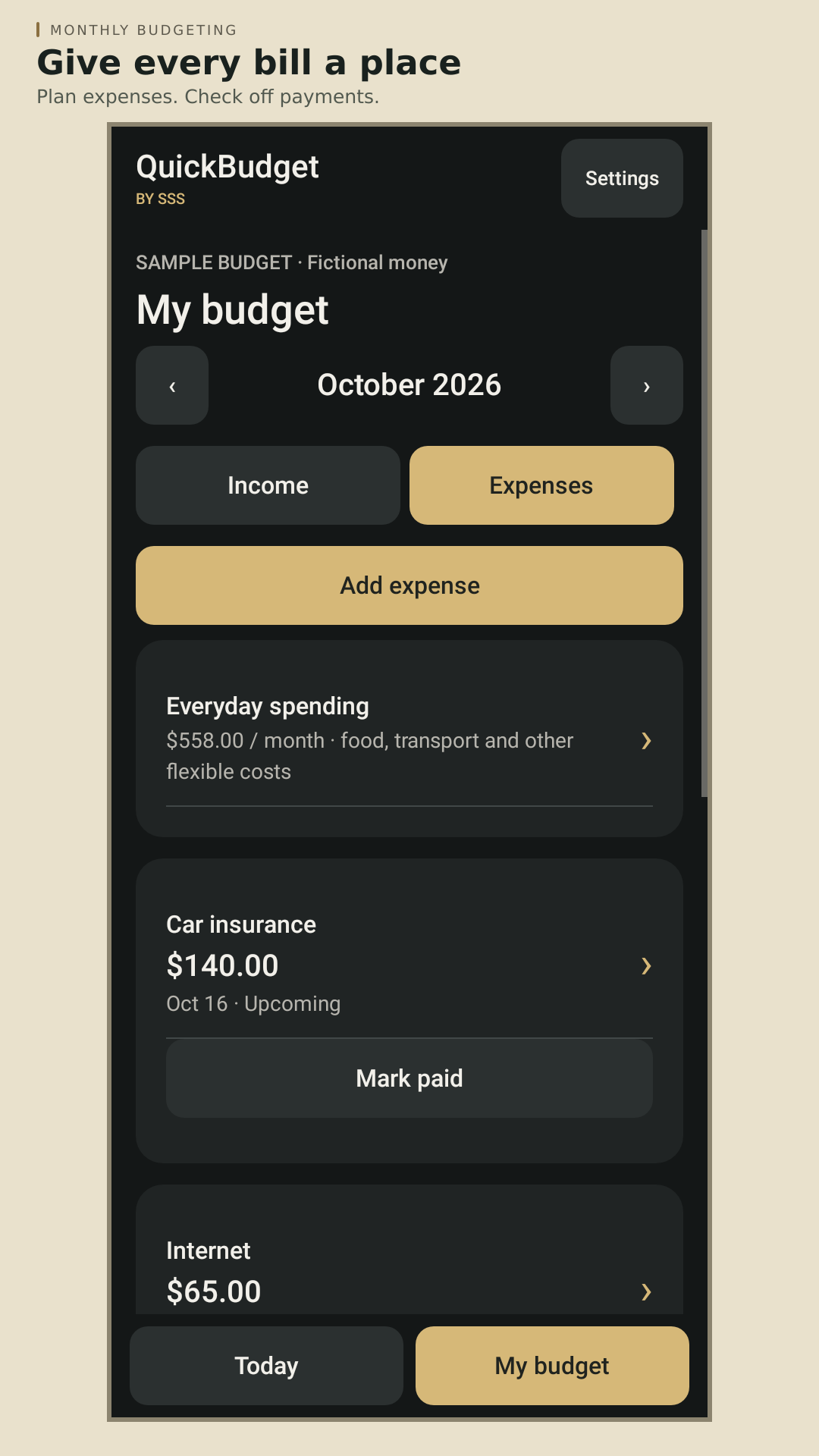
Enter take-home pay, bills, and everyday spending with their dates and repeat schedules.
NEW RELEASE · NOW ON GOOGLE PLAY
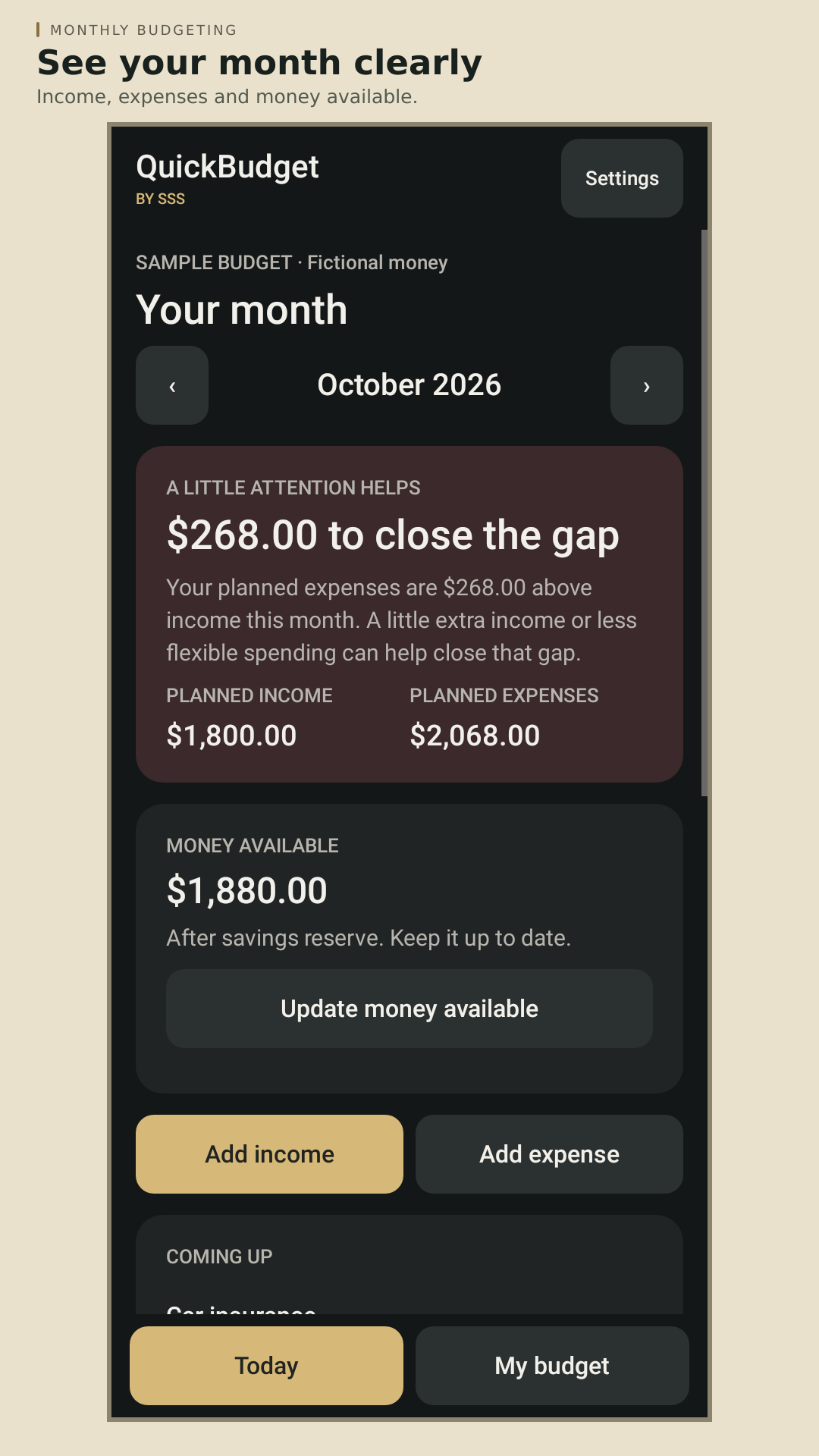
Know what’s coming in, what needs paying, and what your plan could leave after expenses.
Add income and bills by hand. Make a few small updates as life happens. QuickBudget keeps your monthly plan easy to follow, with gentle colors and encouraging guidance along the way.
Android · Free budgeting with ads · Optional Ad-Free subscription
A FEW SMALL STEPS
Enter take-home pay, bills, and everyday spending with their dates and repeat schedules.
Check planned income against expenses, keep money available current, and see what’s coming up next.
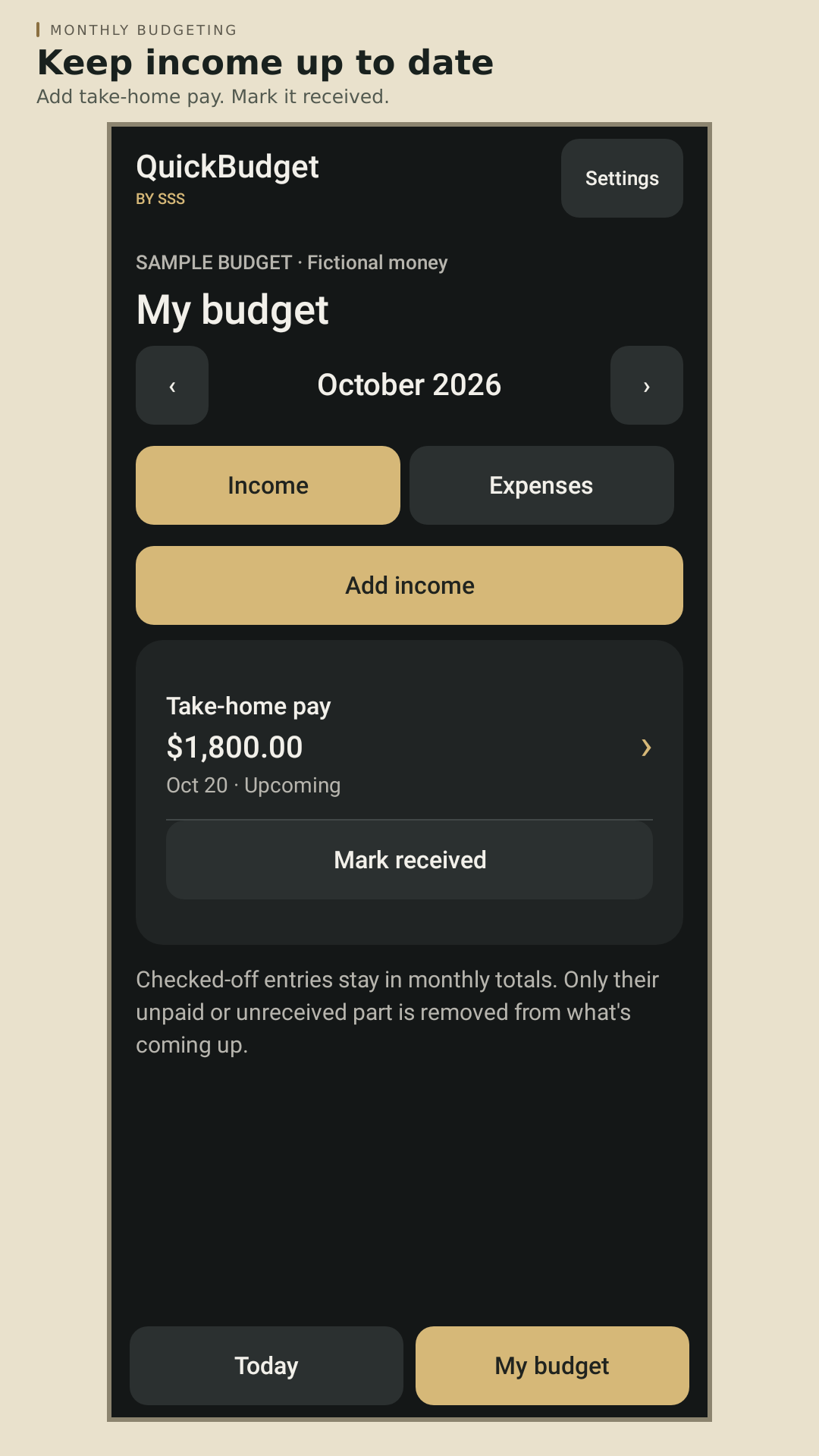
Mark bills paid and income received. Open it daily or update a few times a month—whatever works for you.
INSIDE QUICKBUDGET
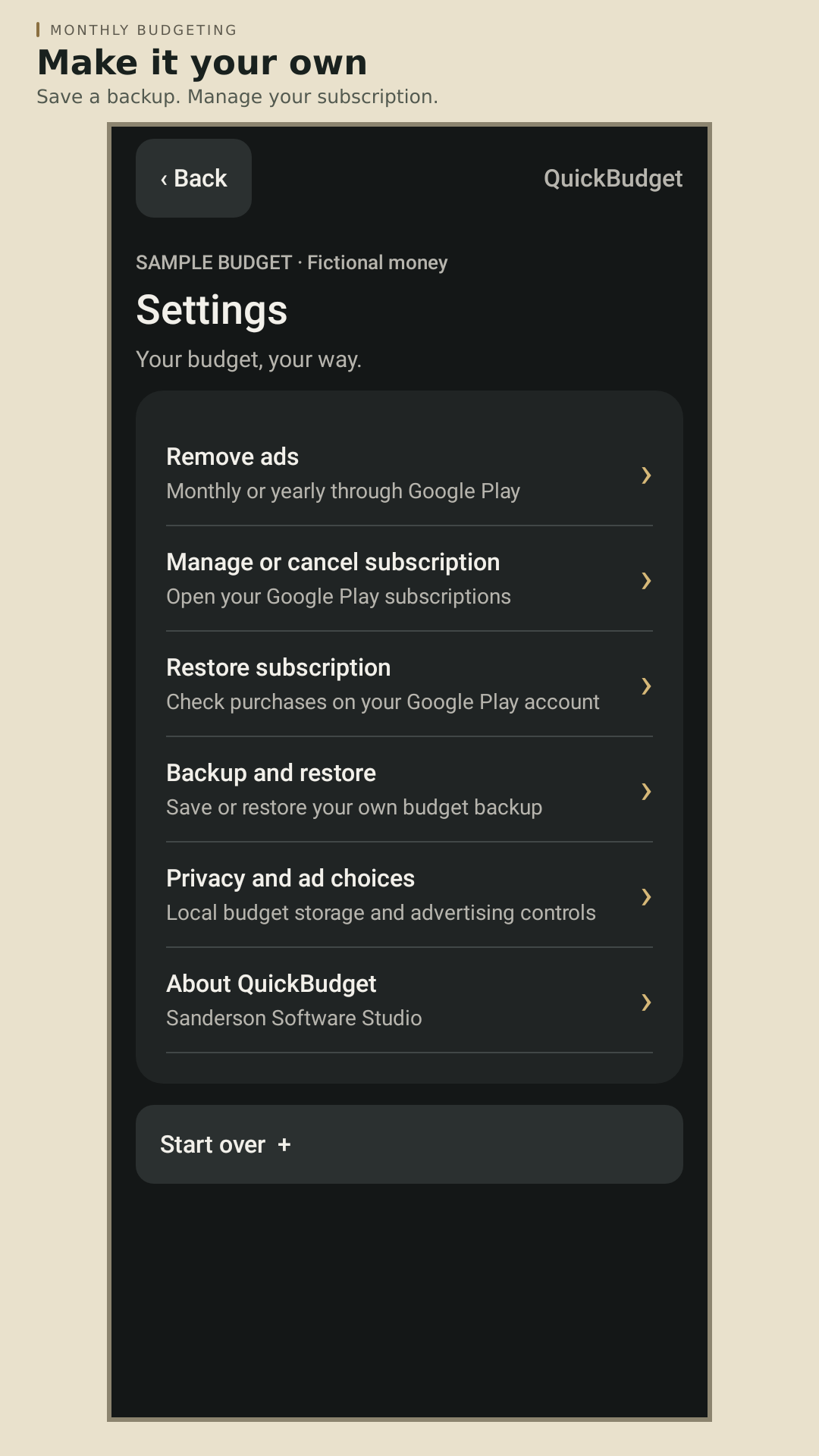
Current app screens with fictional sample data. Open any image for a closer look.
A LITTLE ENCOURAGEMENT
Soft green and red cues help you see when the monthly plan leaves money over expenses or where a small adjustment could help. Clear words explain the result alongside the color.
Your outlook follows the amounts and dates you enter. Refresh your available money when you check your accounts, and choose whether a paid or received item is already included in that balance.
QuickBudget helps you plan. You make payments yourself, and keeping your entries current makes the outlook more useful.
SIMPLE CHOICES
READY WHEN YOU ARE
A simple plan can make the next bill feel a little more manageable. Add what you know, check in when things change, and give your progress room to grow.
Download QuickBudget